
Film profiles for Lightroom and Capture One
Your raw files get the colors of Portra, Gold, Ektar and 20 more 35mm film stocks.
Pick a film stock and an exposure level in Lightroom or Capture One. Your sliders stay free for your edit.
Your raw files can look like a lab scan of 35mm film.Your camera is fine. In Lightroom the profile decides your colors, and these are built from 35mm film scans.The colors of 35mm Portra, Ektar and Gold, without buying another roll.

- 23film stocks
- 6exposure levels each
- 2lab scanners: Frontier and Noritsu
- Lr + C1Lightroom, Camera Raw or Capture One
01Results
These are real photos, edited with the film profiles.
Every photo is labeled with its film stock. Tap to see the raw file.

 Portra 400
Edit recipe
Film profilePortra 400 · Noritsu · 0 EV
AVS Lab Tech
- Lab Fade
- 56 %
- Color Matrix
- 18
AVS Film GrainPortra 400 Noritsu, with softness
White balance as shot. Exposure and tone are the same on both sides.

 Fuji Pro 400H

 Gold 200

 Portra 400
Edit recipe
Film profilePortra 400 · Noritsu · +1 EV
AVS Lab Tech
- Lab Fade
- 100 %
- Color Matrix
- 13
- Printer Keys
- Blue 10 · Green 1
- Split Toning
- Shadows Green 12
AVS Film GrainPortra 400 Noritsu, with softness
White balance as shot. Exposure and tone are the same on both sides.

 UltraMax 400

 HP5+

 Vision 3 250D

 Portra 400
Edit recipe
Film profilePortra 400 · Frontier · +2 EV
AVS Lab Tech
- Lab Fade
- 66 %
- Color Matrix
- 34
AVS Film GrainPortra 400 Frontier, with softness
White balance as shot. Exposure and tone are the same on both sides.

 Kodacolor 100
Lumenary’s own photos: the film profile and small edits, white balance as shot. Tap Recipe on a photo to see every step. Partner photos are credited.
02The library
Six editions, from three film stocks to all 23.
- Master CollectionAll 23 film stocks: color, motion picture and black and white €299
- C-41 Edition17 color negative film stocks: Portra, Ektar, Gold, Fuji and more €179
- Portra PackPortra 160, 400, 800 and 400 pushed one stop €89
- Essential FrontierKodacolor, Gold, UltraMax, Pro 400H, Vision 3 250D, HP5+ €89
- Cine EditionVision 3 200T, 250D and 500T €69
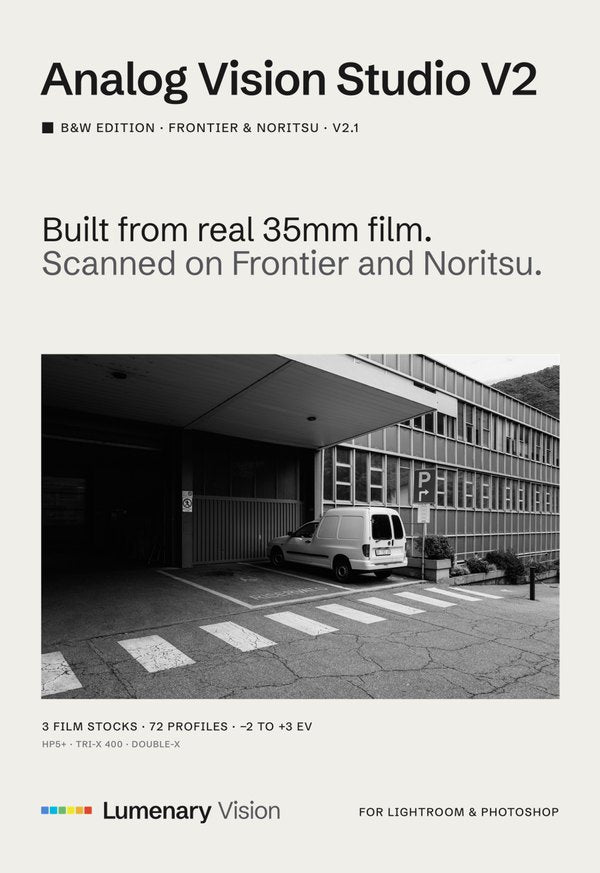
- B&W EditionHP5+, Tri-X 400 and Double-X €69
One-time purchase, no subscription. Lightroom & Camera Raw work with every camera; Capture One with one camera model per purchase. Two film stocks are free to test on your own raw files.
03Side by side
Next to a Portra 400 film scan, the profile holds the colors of the film.
One raw file of a 140-patch color chart. Drag the line to compare.

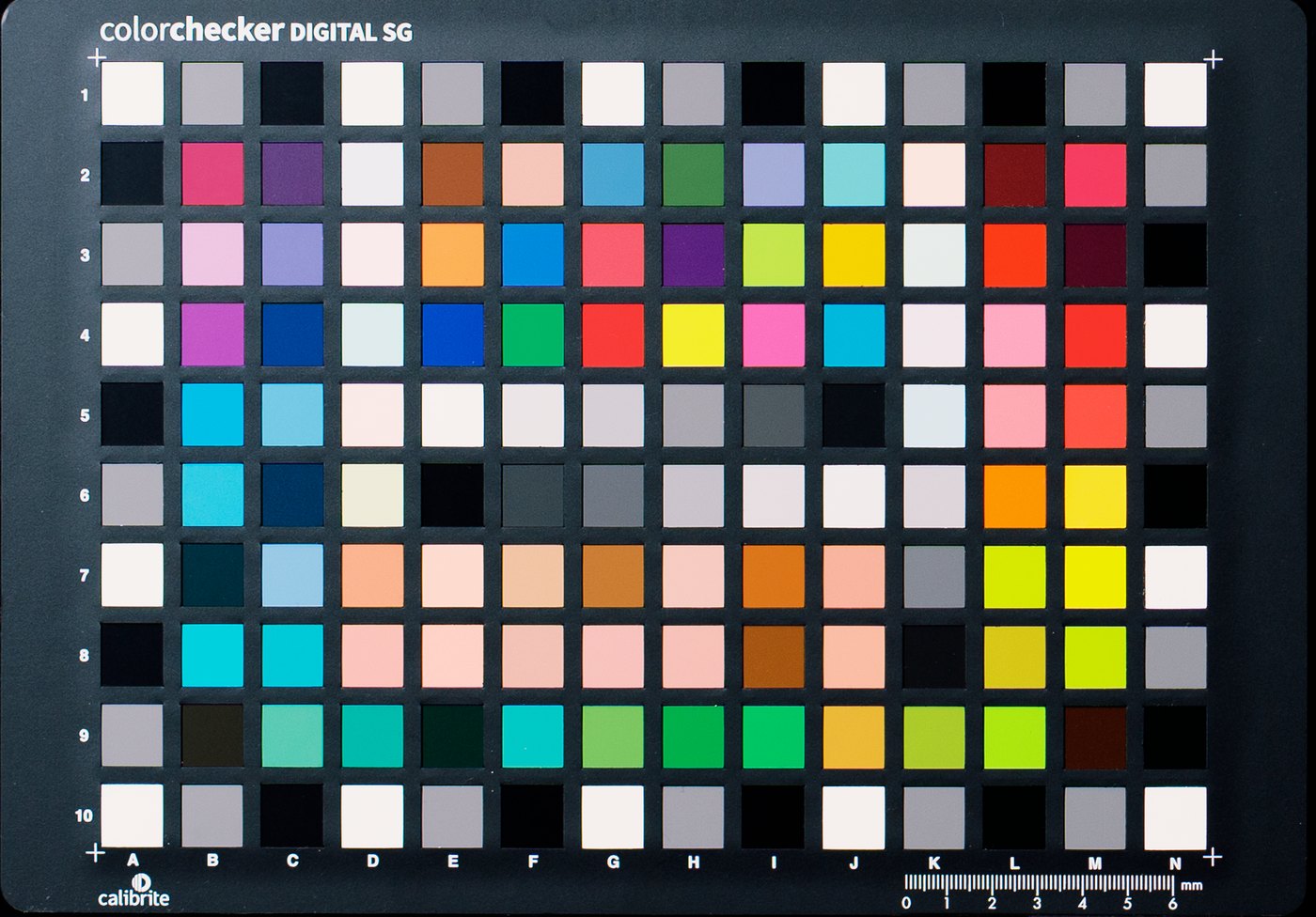
From the Portra 400 profile build at 0 EV. Raw file: Sony A7 IV, Professional version, no grain added. Negative: 35mm film, shot separately, scanned on a Frontier SP-500.
04How it’s made
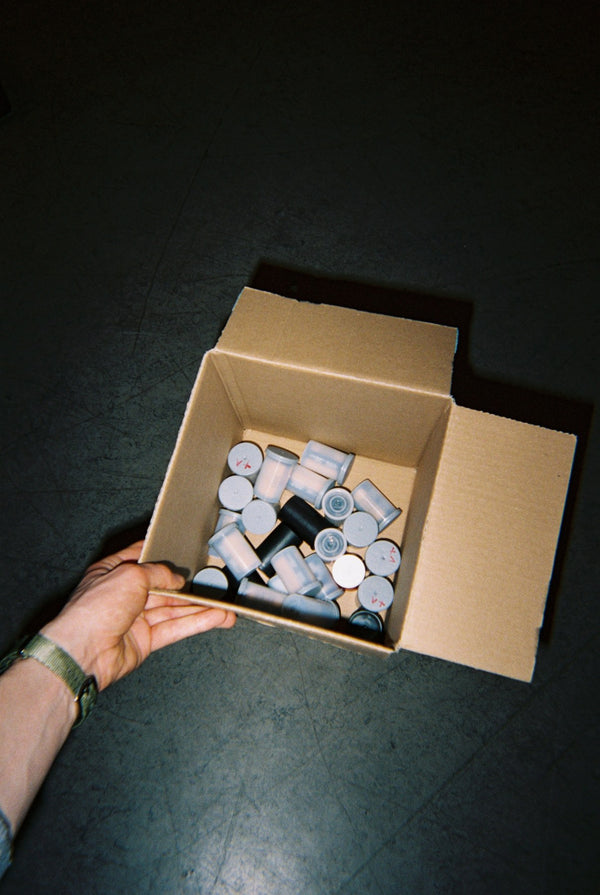
Every film stock starts on a roll of 35mm film.
-
Shot on 35mm Each film stock on its own rolls of 35mm film.
-
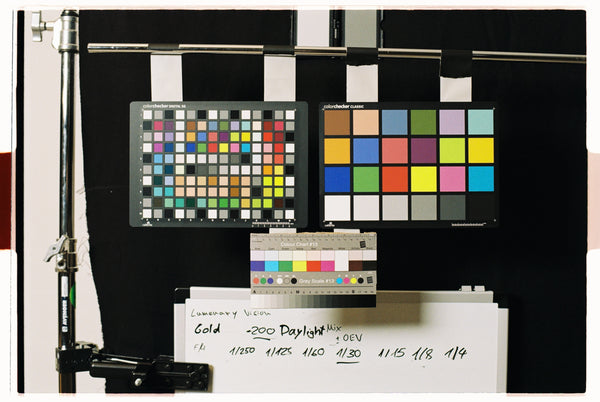
Six exposure levels A color chart from two stops under to three stops over.
-
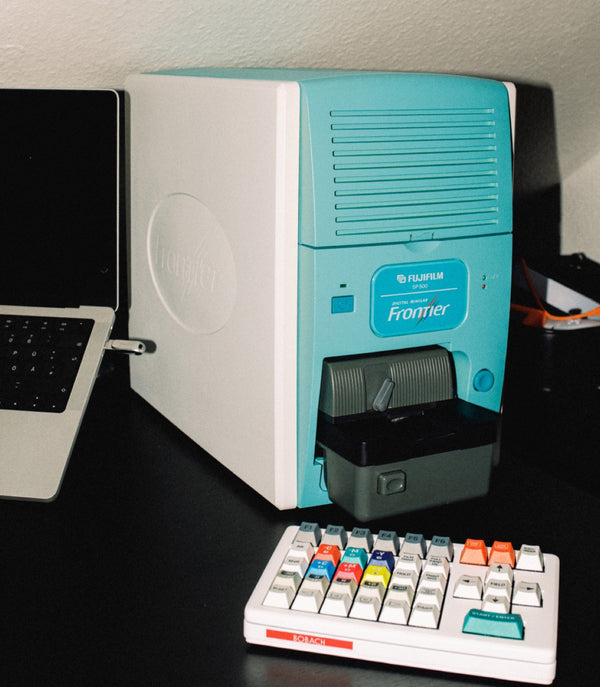
Scanned, then built Frontier SP-500 and Noritsu scans, built into the profile.
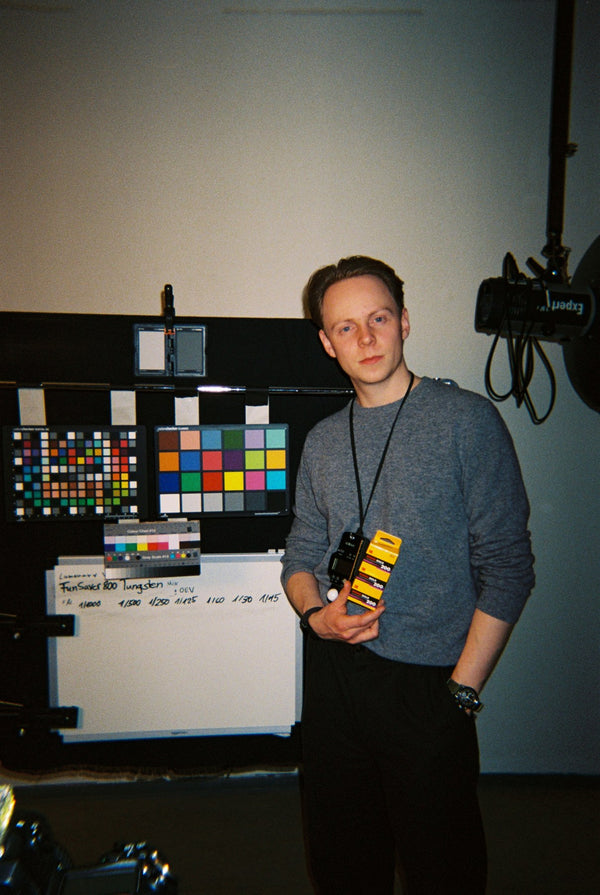
Who I am
Hi, I’m Sebastian Koch, and I shoot film.
I studied photography in Bielefeld, Germany, and build every film profile myself. Questions before you buy? Get in touch.
05Before you buy
Four answers before you pick an edition.
- Can I buy single film stocks?No. Film stocks come in editions. The smallest are the Cine and B&W Editions, three film stocks each. Shoot Portra? The Portra Pack has all four.
- I edit in Capture One.You get ICC-based styles built for one camera model, picked on the product page. Each extra camera starts at €19 / $25. Lightroom too? Add it for €49 / $59.
- Will it work with my camera?Standard works with every camera Lightroom supports, raw or JPEG. Professional needs a raw file from one of 368 camera models. Check yours.
- Can I try it first?Yes. Kodacolor 100 and Vision 3 250D are free at 0 EV, Standard version, for Lightroom. Get them here.
06Six exposure levels
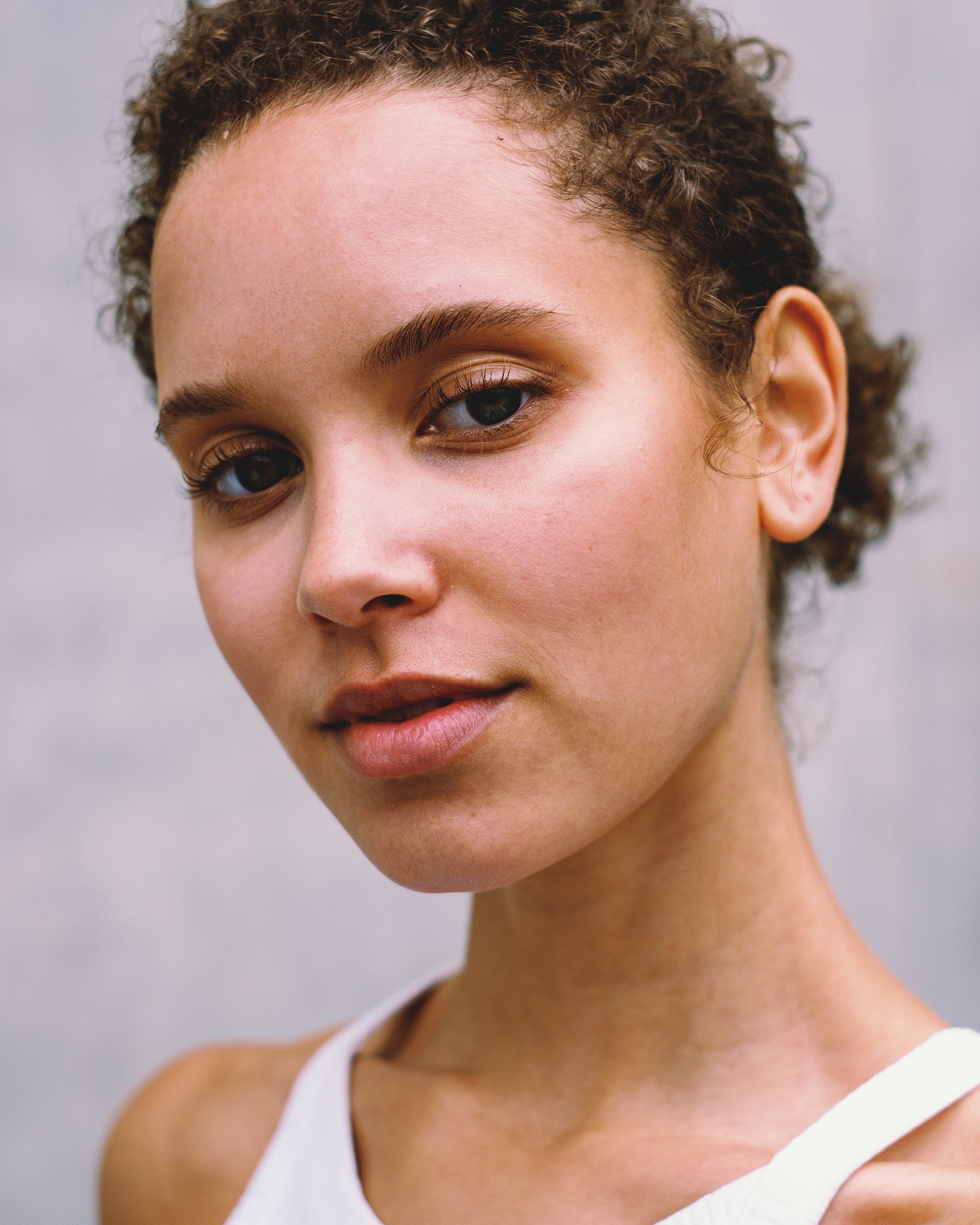
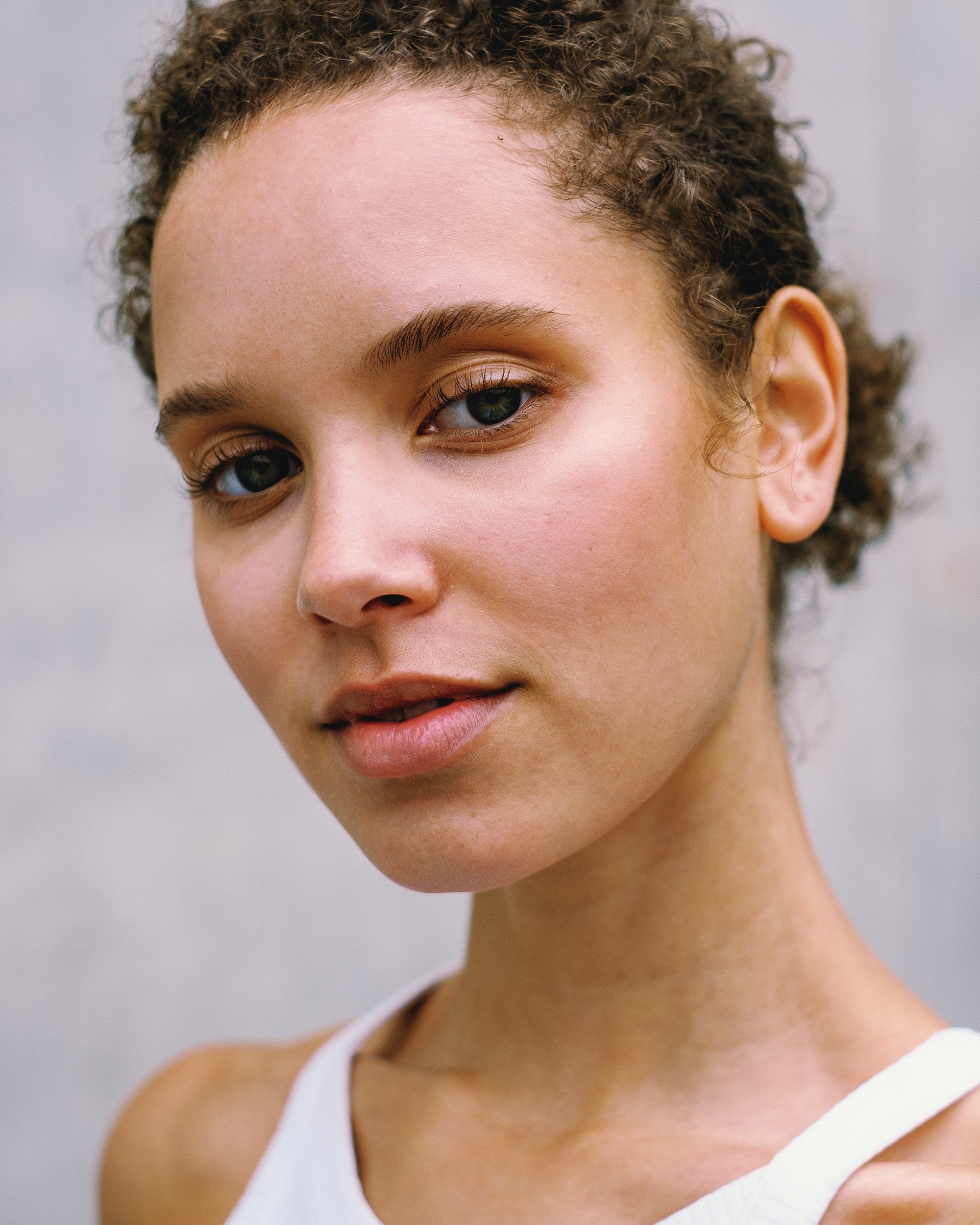
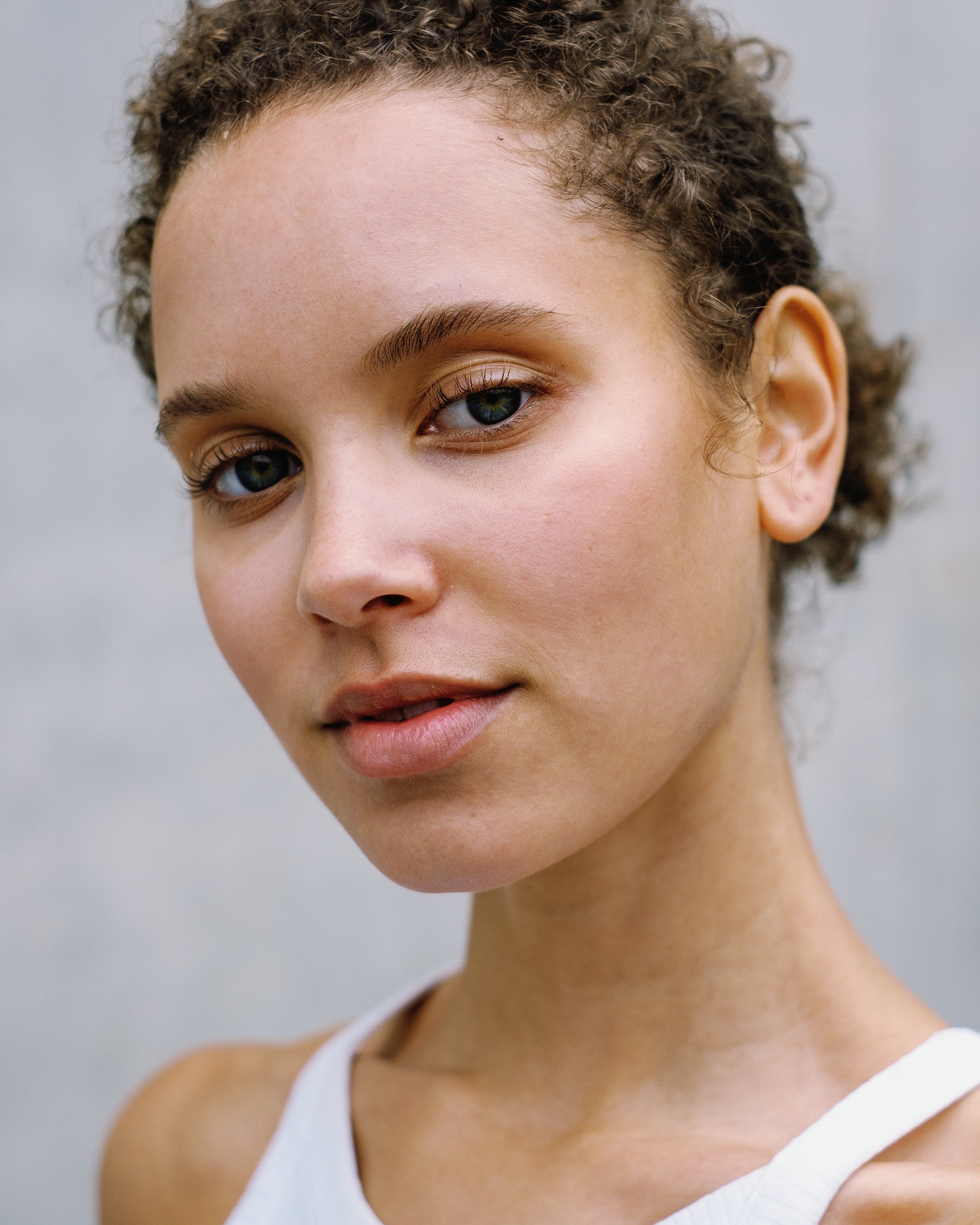
Six exposure levels per film stock. Pick the one that fits your light.
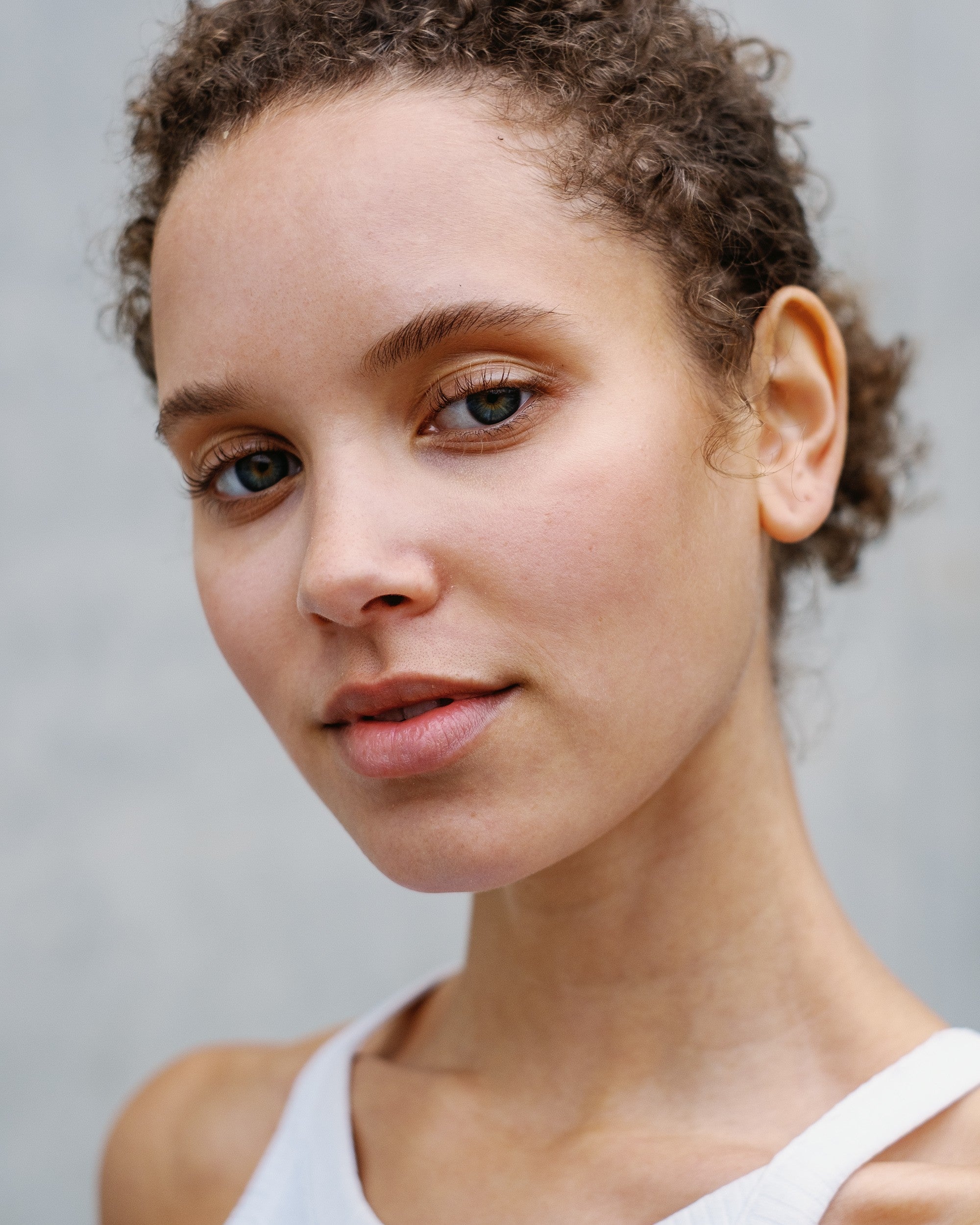
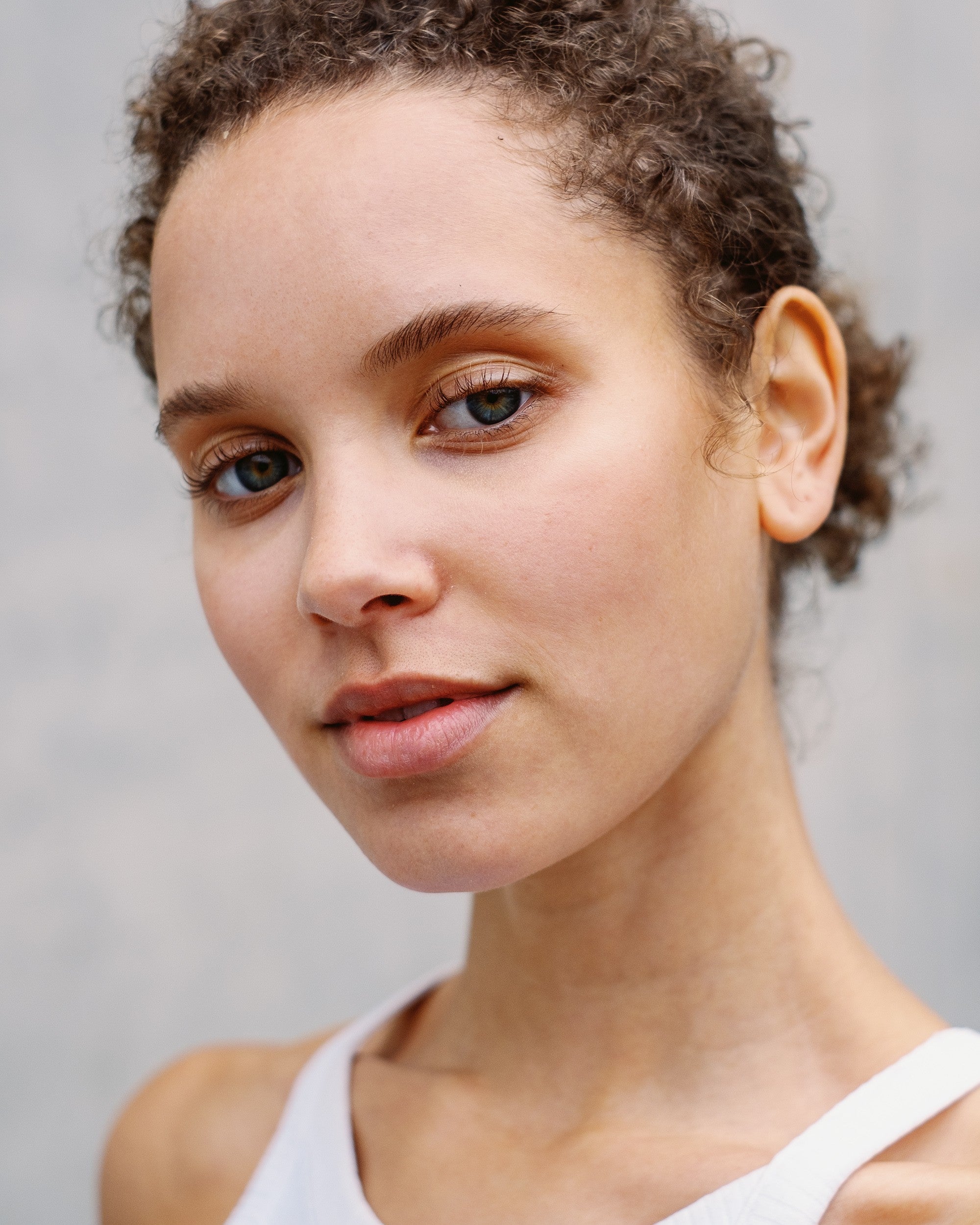
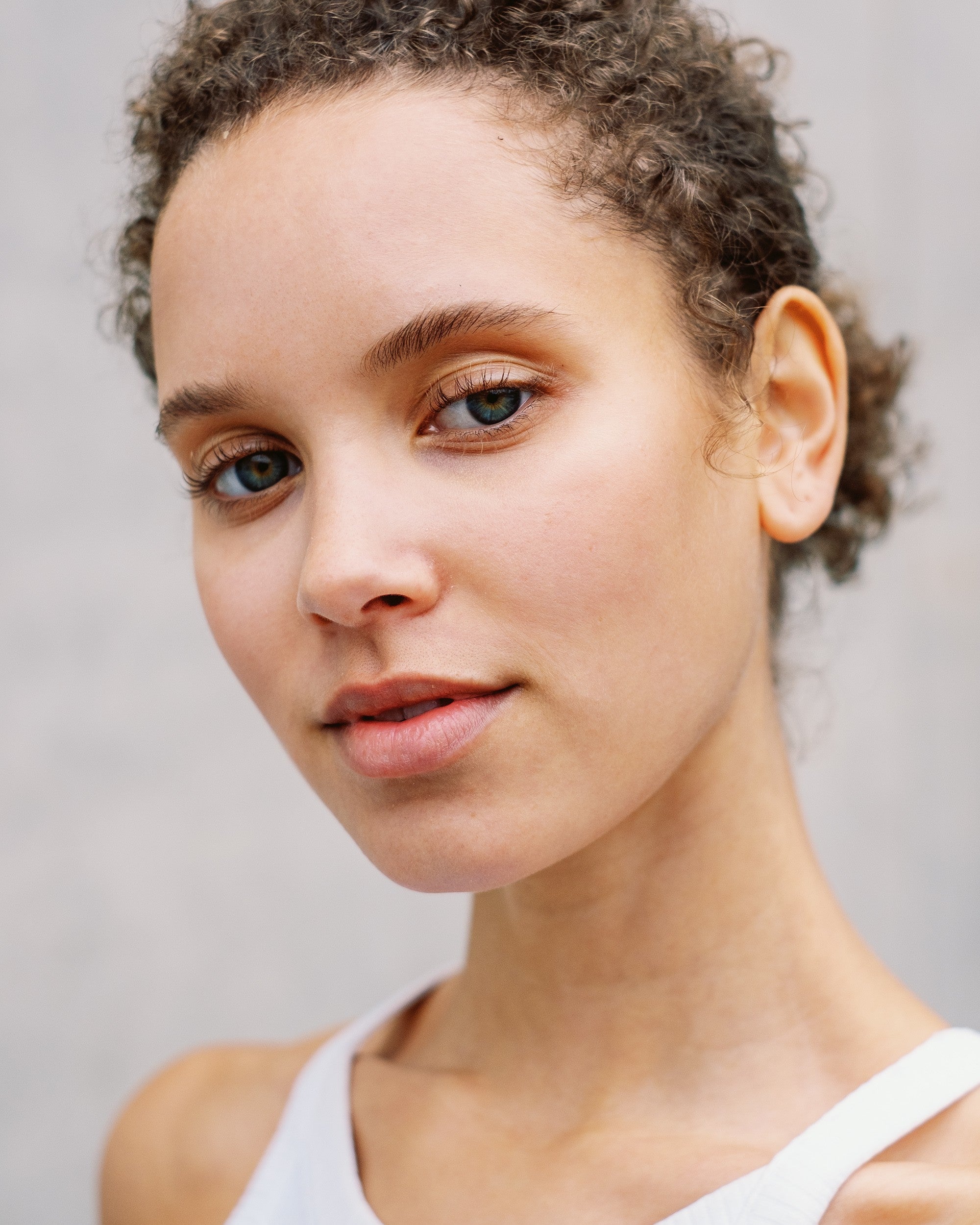
- What changes
- Below 0 EV skin gets deeper and warmer. Above 0 EV it gets lighter and softer.
- How to choose
- Start at 0 EV, then step down or up until the skin looks right.
07Professional
With Professional, two different cameras give you the same film look.
Standard works with every camera. Professional adds a neutral profile for your camera model underneath the film stock, so a wedding shot on two bodies comes out with one look.
- Made for working photographersWeddings, events and client series, where every frame has to match. Built for daylight, flexible in other light.
- 368 camera modelsNot listed? Use Standard, which works with every camera.
- Both in every Lightroom editionAVS Lab Tech picks Professional for you when your camera is supported. Capture One styles are built for your camera model.
08Verified reviews
Every review here is quoted word for word.
Published reviews from buyers of the Essential edition, from before the launch of the library. Camera and genre are their own answers.
Read all reviews
09Where to start
Start with the film you already shoot.
-
 23 film stocks · Frontier and Noritsu
Master Collection
Every film stock below: color negative, motion picture and black and white.
€18 less than the C-41, Cine and B&W Editions bought separately.
€299 -
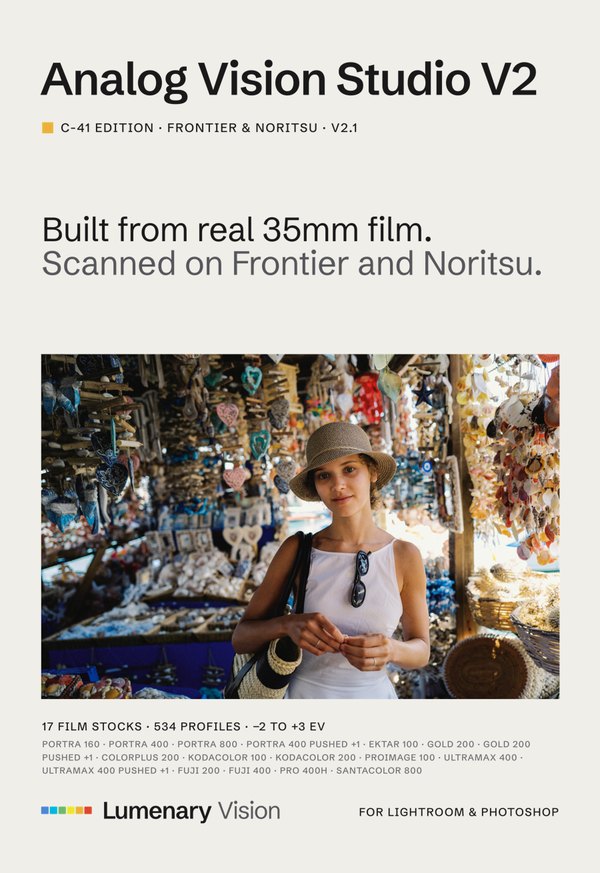 17 film stocks · Frontier and Noritsu
C-41 Edition
All 17 color negative film stocks, Portra included.
€179 -
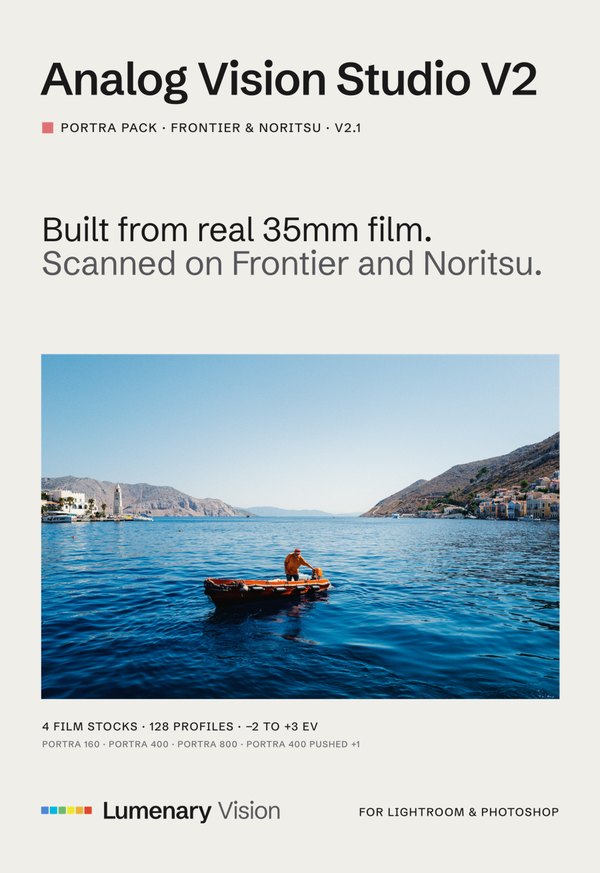 4 film stocks · Frontier and Noritsu
Portra Pack
Portra 160, 400, 800 and 400 pushed one stop.
€89 -
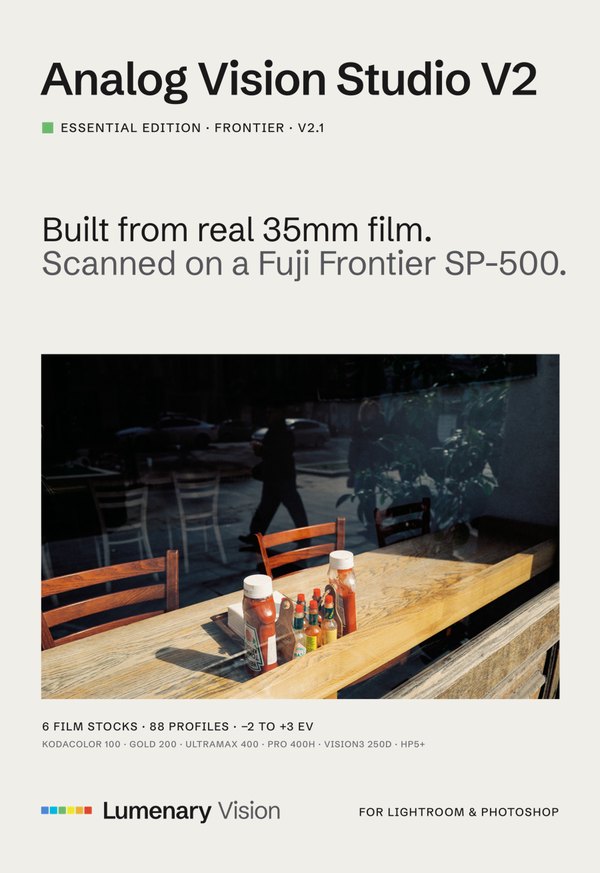 6 film stocks · Frontier
Essential Frontier
Six film stocks across color, motion picture and black and white.
€89 -
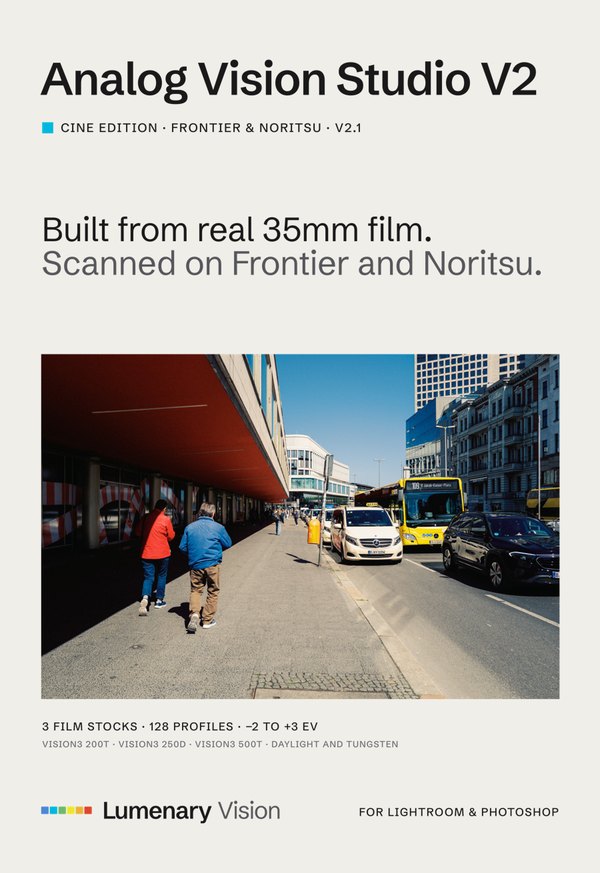 3 film stocks · Frontier and Noritsu
Cine Edition
Vision 3 200T, 250D and 500T.
€69 -
 3 film stocks · Frontier and Noritsu
B&W Edition
HP5+, Tri-X 400 and Double-X.
€69
Every edition: one-time purchase, six exposure levels per film stock, Standard and Professional for Lightroom & Camera Raw, or ICC-based styles for one camera in Capture One. Choose your program on the edition page.
Every film stock and the editions that include it
| Film stock | MasterAll 23 | C-41C-41 | PortraPortra | EssentialEss. | CineCine | B&WB&W |
|---|---|---|---|---|---|---|
| Color negative | ||||||
| Portra 160 | included | included | included | not included | not included | not included |
| Portra 400 | included | included | included | not included | not included | not included |
| Portra 800 | included | included | included | not included | not included | not included |
| Portra 400 Pushed 1 Stop | included | included | included | not included | not included | not included |
| Ektar 100 | included | included | not included | not included | not included | not included |
| Gold 200 | included | included | not included | included | not included | not included |
| Gold 200 Pushed 1 Stop | included | included | not included | not included | not included | not included |
| UltraMax 400 | included | included | not included | included | not included | not included |
| UltraMax 400 Pushed 1 Stop | included | included | not included | not included | not included | not included |
| Kodacolor 100 | included | included | not included | included | not included | not included |
| Kodacolor 200 | included | included | not included | not included | not included | not included |
| ColorPlus 200 | included | included | not included | not included | not included | not included |
| ProImage 100 | included | included | not included | not included | not included | not included |
| Fuji 200 | included | included | not included | not included | not included | not included |
| Fuji 400 | included | included | not included | not included | not included | not included |
| Fuji Pro 400H | included | included | not included | included | not included | not included |
| Santacolor 800 | included | included | not included | not included | not included | not included |
| Motion picture | ||||||
| Vision 3 200T | included | not included | not included | not included | included | not included |
| Vision 3 250D | included | not included | not included | included | included | not included |
| Vision 3 500T | included | not included | not included | not included | included | not included |
| Black and white | ||||||
| HP5+ | included | not included | not included | included | not included | included |
| Tri-X 400 | included | not included | not included | not included | not included | included |
| Double-X | included | not included | not included | not included | not included | included |
10Questions
Here is what runs where.
| What you get there | |
|---|---|
| Lightroom Classic 7.3+ | 3D LUT-based profiles and Workflow Presets. The AVS Lab Tech plugin needs Lightroom Classic 12 or newer. |
| Lightroom 1.3+ | 3D LUT-based profiles, Standard and Professional, and Workflow Presets on desktop. The Standard profiles also sync to your phone. |
| Camera Raw 10.3+ | 3D LUT-based profiles and Workflow Presets, also in Photoshop. |
| Capture One Pro 16.8+ | ICC-based film styles built for your camera model, plus the AVS Toolkit for Capture One. AVS Lab Tech is a Lightroom Classic plugin and isn't part of the Capture One version. |
| Other editors | No. These are Lightroom profiles and Capture One styles, not .cube files. |
More questions photographers ask
Which Lightroom do I need?
The 3D LUT-based profiles and Workflow Presets work in Lightroom Classic, Lightroom and Camera Raw. The AVS Lab Tech plugin needs Lightroom Classic 12 or newer, because the other apps can’t run plugins.
Is grain part of the profiles?
The profiles set color and tonality. Grain comes as presets in the AVS Toolkit, which is part of every edition, so you choose how much.
How do I keep a whole series consistent?
Pick one film stock and exposure level for a scene and sync it across the series, like any Lightroom profile. With Professional, two camera bodies match too.
Where are the limits?
The profiles are built in daylight. They stay flexible in other light, but there is no promise of a perfect match at night or under extreme color. Professional needs a raw file. Capture One styles are built for one camera model. Slide film is not in the library yet.
I already own an edition. What do the others add?
The editions overlap: the C-41 Edition contains the Portra Pack, and the Master Collection contains everything. The table above shows which film stocks are new for you.
How long does it take to get used to them?
The film stock does the color work, so you start from white balance and exposure instead of from color sliders. The guide that comes with every edition walks you through your first edit.