

ANALOG VISION STUDIO V2 – Essential Edition
€89,00
Sale price
€89,00
Regular price
Skip to product information


ANALOG VISION STUDIO V2 – Essential Edition
Everything in this pack
45 film emulation profiles
8 film stocks × 3 exposure levels, in balanced and unbalanced versions. Based on real Frontier SP-3000 scans.
Plus two finishing toolkits, both included
Workflow Presets Classic · Cloud · Mobile
Native Lightroom corrections and grain.
AVS Lab Tech Plugin Lightroom Classic
The Frontier operator desk, tuned to the profiles.
Instant download · Lifetime access · Free updates
€89,00
Sale price
€89,00
Regular price
Customer Reviews
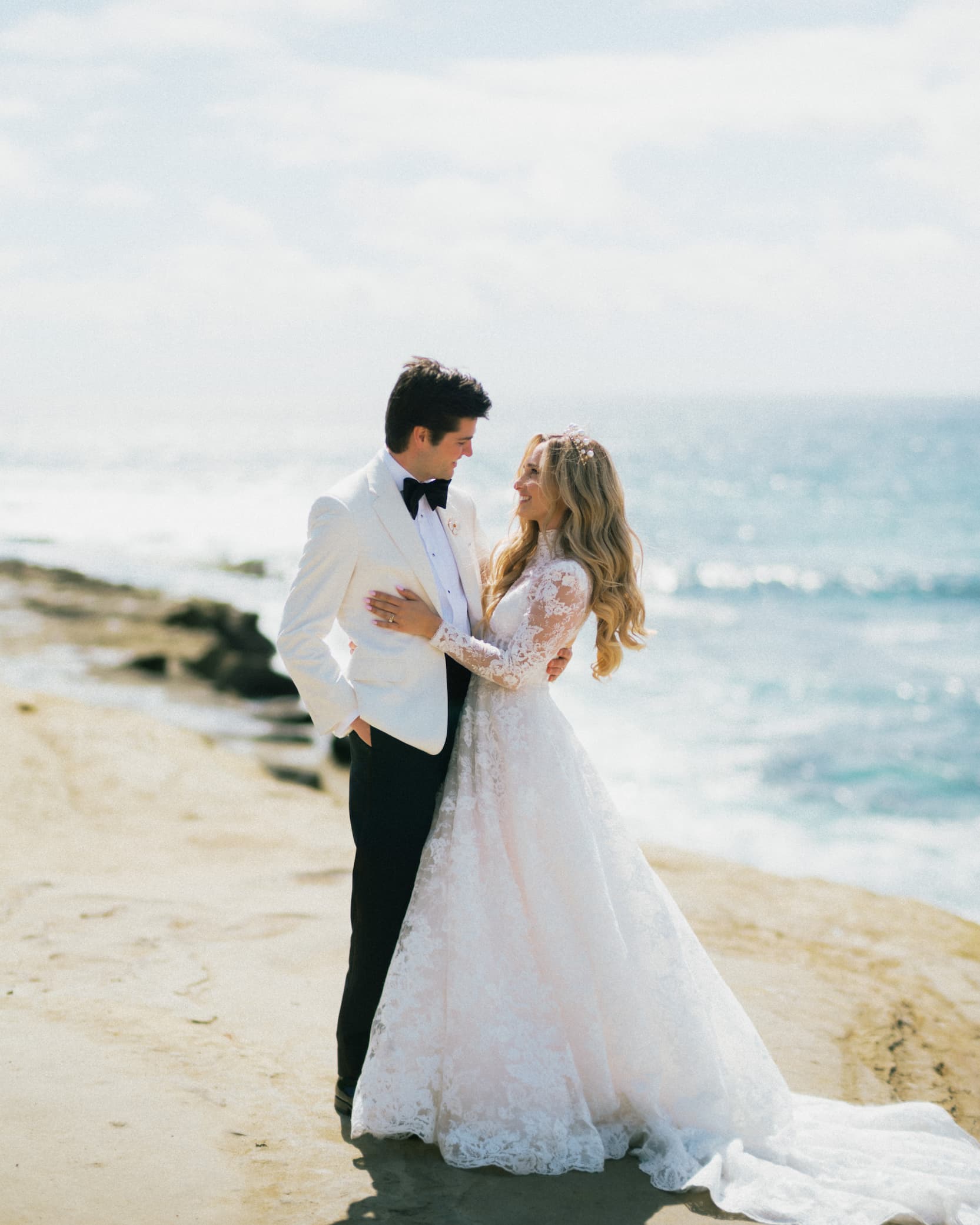


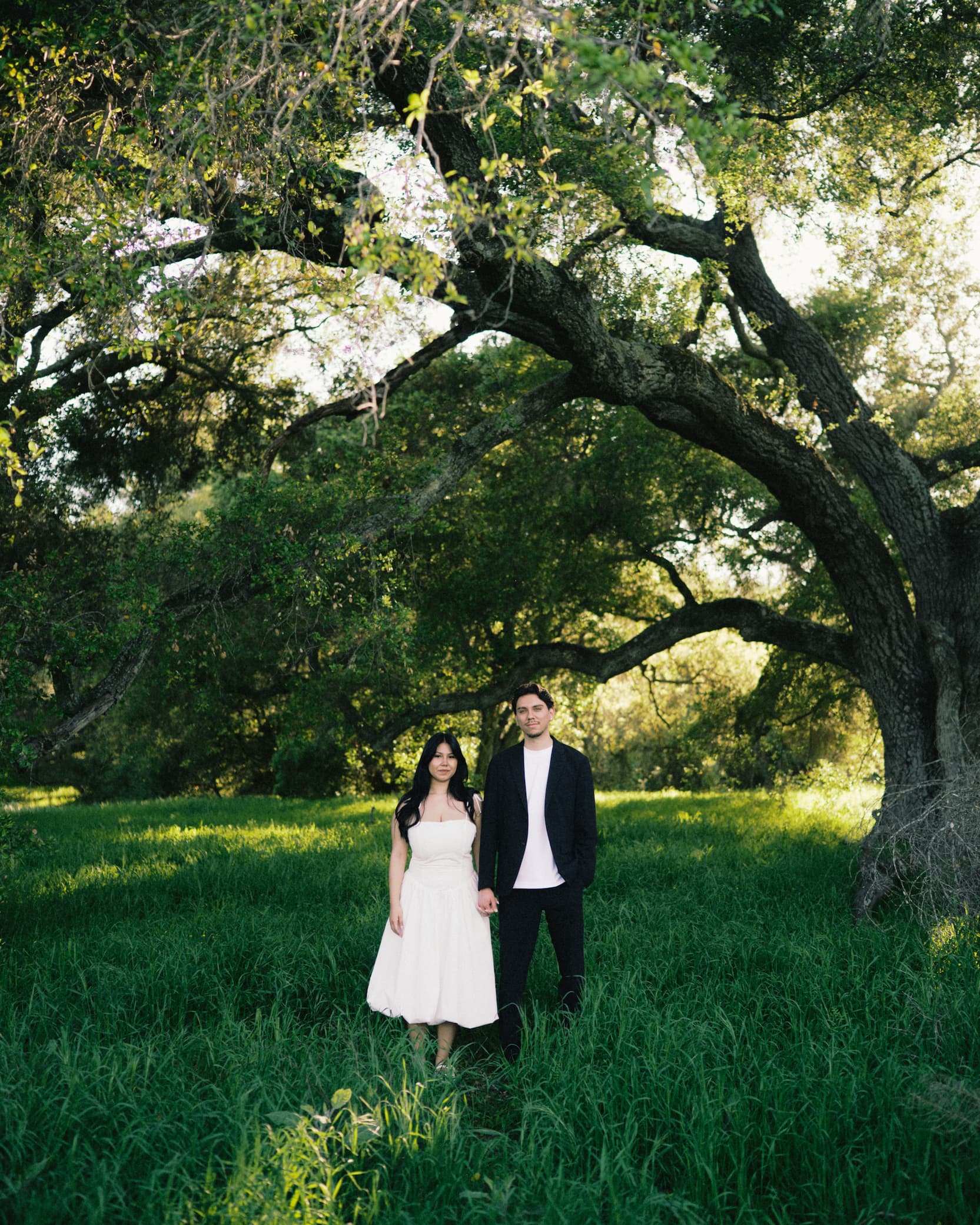


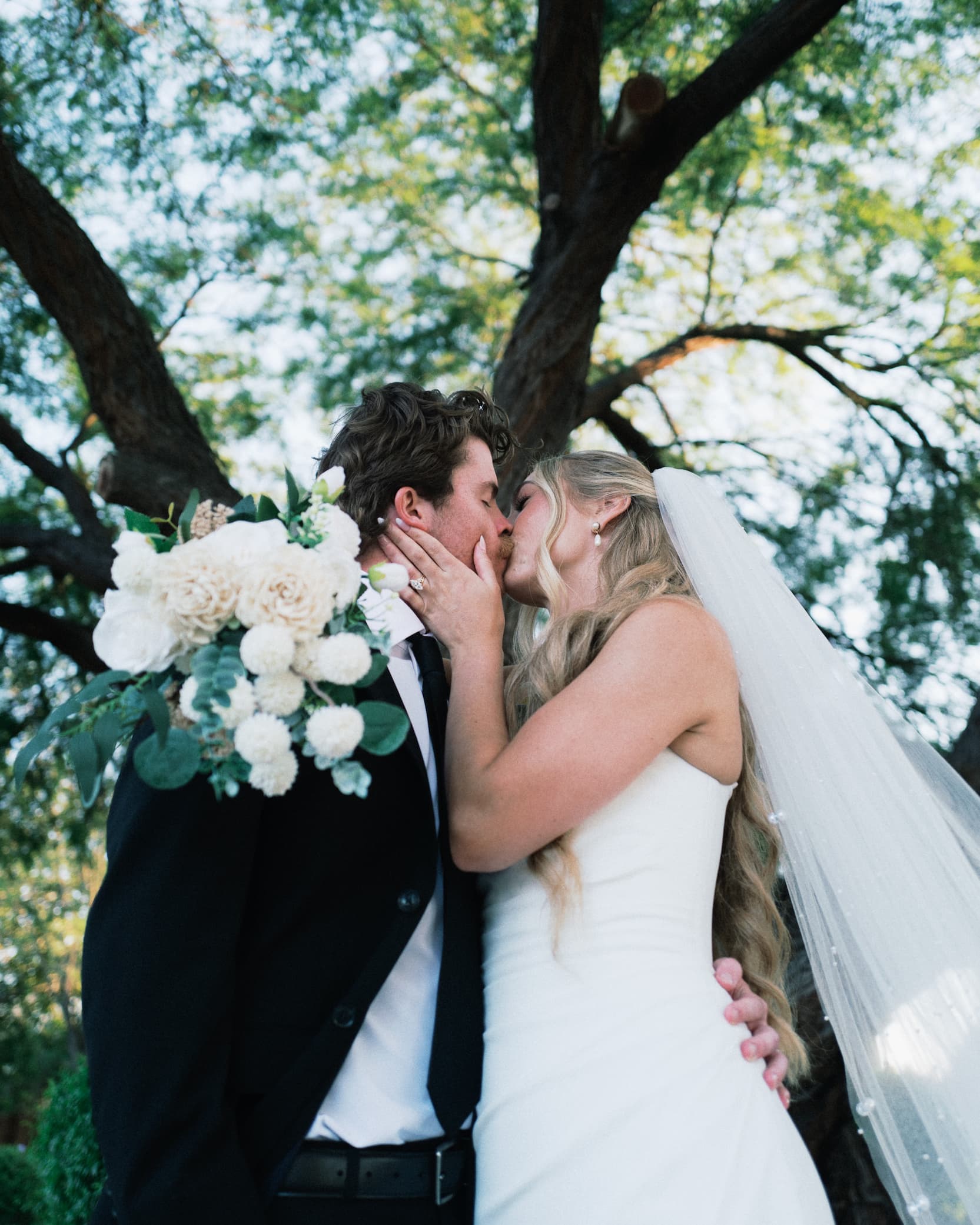
The Project
Real film color for Lightroom.
Measured, not filtered.
I make film emulations for photographers. Every look here is a profile: a color transformation measured from real 35mm film, scanned on a Fuji Frontier SP-3000, the scanner many pro labs still use. You pick a film the way you would at the lab, then finish the scan with the tools in this pack.
I am a photographer from Germany, trained in design and years deep into both ends of the craft: darkroom printing and enlarging, scanning negatives, digital RAW. One insight sits under every profile. The Frontier does not render the raw negative. It renders a traditional C-print, the negative enlarged onto color paper through RA-4 chemistry. For most of us, that print is the film look we remember, not the negative itself. Most tools chase the negative or reach for a generic filter. These reproduce the print: the warmth and character of color paper, the way the Frontier reads it.
Sebastian Koch · Lumenary Vision
Architecture
Why these profiles
aren't presets.
Profiles · 3D LUT Color Transform
Thousands of mapped color points.
A profile maps thousands of color points in a 3D grid, applied at the end of the processing chain. Adobe first neutralizes each camera's sensor data, then the profile transforms color on top. That is why the film look holds across cameras and scenes.
Presets · Slider Adjustments
8 HSL sliders. That's the ceiling.
A preset just moves Lightroom's sliders on top of an already-processed RAW. Its whole color surface is 8 hue channels. Change the scene and it breaks, fighting the same sliders against different data.
Film Stocks · Essentials
8 film stocks. 45 profiles.
Each film stock scanned on a Fuji Frontier SP-3000, profiled at -1, 0 and +1 EV, in balanced and unbalanced versions.
Portra 400
Kodak
Ultramax 400
Kodak
Gold 200
Kodak
Kodacolor 100
Kodak
ColorPlus 200
Kodak
Velvia 100
Fuji
Pro 400H
Fuji
HP5+
Ilford
Calibration
Most film profiles use 24 patches.
I use 140.
The difference between interpolation and measurement.


6×More color data
14Skin tone patches
3Exposure levels
Workflow
The film, then the finish.
I
Select your film profile
Pick a film stock and exposure in Lightroom's Profile Browser. A 3D LUT built from real film scans sets the foundation.
II
Set the intensity
Apply the profile and dial the Amount slider. Designed for 100%, adjustable from 0 to 200.
III
Refine, your way
Two toolkits tuned to the profiles. Pick the one that fits how you work, not both.
Workflow Presets
Classic · Cloud · Mobile
Native Lightroom corrections and luminance grain, applied as presets. Nothing to install beyond Lightroom.
For photographers who work in Lightroom Cloud or Mobile, or who prefer to stay in native Lightroom.
AVS Lab Tech
Lightroom Classic plugin
The Frontier operator desk in one panel. Density, printer keys, gradation and grain, worked like a scan operator.
For photographers who want the fastest, most tactile finish, tuned to each profile.
Included · AVS Lab Tech · Lightroom Classic
The Frontier operator desk,
in Lightroom.
Every V2 pack includes AVS Lab Tech, a plugin for Lightroom Classic. The profiles carry the color science of the film. AVS Lab Tech adds the controls a lab operator works with at the Frontier SP-3000: density, printer keys, gradation, grain. One panel, next to your image.

AVS Lab Tech · Operator Panel
Image Intelligence
Per-photo scene analysis with Frontier behavior rules. Exposure, contrast and tone balanced automatically, dosable from 0 to 200.
Printer Keys · C M Y
The classic correction keys. Midtone-weighted color shifts that keep black and white points neutral, like a color head.
Master Density
The operator's D key. Overall brightness in fine steps, up to 2 EV in either direction.
Tone Adjust
Six gradation presets from the Frontier's Tone Adjust family. Highlights and shadows, hard or soft, freely combinable.
Grain · ISO 100 200 400
Three grain characters driven by luminance masks. Grain sits differently in shadows and highlights, the way film does.
Lab Fade
The scanner at its density limit. Shadows wash out the way thin negatives scan, dosable from 0 to 200.
Also on the desk
Gain Calibrate
Split Toning
Color Vividness
Color Matrix
Hypersharp
Upright
Presets
Copy / Paste
Before / After
Included with every V2 pack · Not sold separately · Requires Lightroom Classic 12+
Comparison
Lumenary vs. so-called "film" presets.
Lumenary
"Film" Presets
Built from real 35mm film scans
●
—
140-patch ColorChecker calibration
●
—
Multi-exposure profiling
●
—
3D LUT color transformation
●
—
Built as RAW profiles, not slider stacks
●
—
Consistent across cameras and lighting
●
—
Preserves highlight and shadow rolloff
●
—
AVS Lab Tech scanner control panel included
●
—
Curious how these profiles are made?
I share the process behind the calibration, early access to upcoming releases like Capture One profiles and Video LUTs, and occasional exclusive offers.
◆ No spam. Unsubscribe anytime.
FAQ
Everything you need to know
before getting started.
I've bought presets before and been disappointed. Why is this different?
Most of us have a hard drive full of preset packs we never use. The difference is that presets adjust sliders after your RAW is already processed. Profiles work differently: they apply a 3D LUT color transformation that remaps thousands of color data points at the end of the processing chain. That's why profiles deliver consistent, natural results where presets fall apart.
What is a Lightroom Profile?
A profile applies a color transformation to your image using a 3D lookup table. For every color input, there is a precise color output. Unlike presets, which are limited to adjusting 8 HSL sliders, a LUT-based profile maps thousands of individual color points in a three-dimensional grid. Adobe's RAW engine first neutralizes sensor data across camera brands into a standardized color space. The profile then transforms the color output on top of that neutral base, which is why results are consistent regardless of camera or scene.
Who are these profiles for?
For photographers who love film but don't always want to shoot it. Whether you're a hybrid shooter or work purely digital, these profiles give you the look and feel of real film without the cost, risk, or workflow burden. No regrets. No compromises.
How are these different from presets?
Presets shift Lightroom's sliders after RAW conversion. Their entire color control surface is limited to 8 HSL hue channels. Analog Vision Studio profiles work fundamentally differently: they apply a 3D LUT color transformation derived from real 35mm film scans. The result is thousands of precisely mapped color points, accurate tonality, smoother highlight rolloff, and consistent behavior across cameras and lighting, far beyond what 8 sliders can achieve.
Will these match my film scans?
If your lab uses a Fuji Frontier scanner, they'll be very close. These profiles are built from standard Frontier scans with no extra color grading, capturing the true film-to-scan tonality that most photographers recognize from pro labs.
Can I use them with Lightroom Mobile?
Yes. Once installed via Lightroom (Cloud version, not Classic), your profiles will sync to Lightroom Mobile through Creative Cloud. You can then use them seamlessly on Android or iOS.
What do I get with my purchase?
You'll receive a ZIP file containing 45 LUT-based film emulation profiles across 8 film stocks, each profiled at three exposure levels (-1, 0, +1 EV) from Fuji Frontier SP-3000 scans. Also included is a complete workflow toolset with white balance corrections, tone adjustments, color grading options, and luminance-based grain presets. Also included is AVS Lab Tech, the Frontier scanner control panel plugin for Lightroom Classic. An installation and usage guide walks you through setup in under 60 seconds.
What is AVS Lab Tech?
A Lightroom Classic plugin that comes with this pack. It puts the correction controls of a Fuji Frontier SP-3000 operator desk in a floating panel inside Lightroom: Master Density, Printer Keys, Tone Adjust, Image Intelligence, grain with luminance masks, and more. You pick the film profile, then finish the scan the way a lab operator would.
Does AVS Lab Tech work in Lightroom (cloud) or Lightroom Mobile?
No. Adobe supports plugins only in Lightroom Classic, version 12 or newer. The profiles themselves are not affected by this: they run in Camera Raw, Lightroom Classic, Lightroom and Lightroom Mobile as listed below.
Can I buy AVS Lab Tech separately?
No. AVS Lab Tech is only available together with the V2 profile packs. The plugin detects installed Lumenary profiles automatically, and new profile packs appear in its film stock dropdown without a plugin update.
Which applications are supported?
Adobe Camera Raw (10.3+), Lightroom Classic (7.3+), Lightroom Cloud-based (1.3+), and Lightroom Mobile via Creative Cloud sync. The included AVS Lab Tech plugin requires Lightroom Classic 12 or newer.
What is your return policy?
Due to the nature of digital downloads, all sales are final.